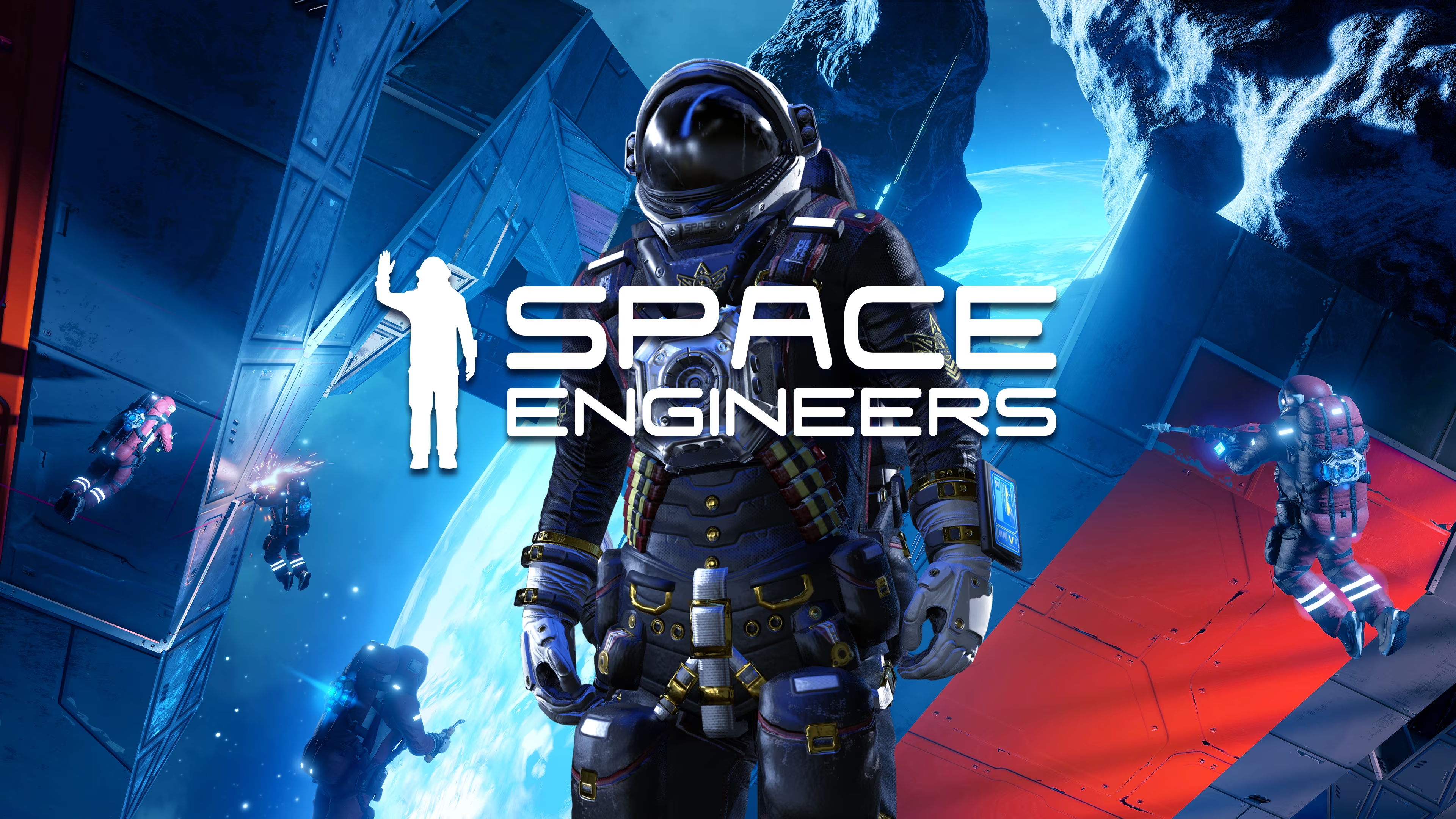
SPACE ENGINEERS
Server Hosting
Engineer your universe without limits. Experience zero-lag voxel physics, high-PCU limits, and seamless crossplay. Build massive dreadnoughts and appease Klang on premium NVMe SSD hardware.
Use code NormandinSystems-a-1588 for 20% off!
Why host Space Engineers with us?
-
High-Thread Physics ProcessingHandle massive grids, rotors, and pistons without simulation speed drops.
-
Full Crossplay SupportPC and Xbox players can seamlessly build and explore in the exact same universe.
-
1-Click Mod InstallationsEasily install Steam Workshop and Mod.io scripts directly from the panel.
Affordable, Premium Infrastructure
Don't let low simulation speed ruin your multiplayer experience. We provide the raw computing power required to handle complex voxel deformations and massive PCU counts.
NormandinSystems-a-1588 at checkout!Instant Provisioning
No waiting for your star system to generate. The moment your payment clears, your server is installed, configured, and ready for planetary atmospheric entry.
Global Datacenters
Choose from multiple locations across North America, Europe, and Asia to ensure your faction gets the absolute lowest ping for ship-to-ship combat.
Complete Config Control
Adjust PCU limits, voxel destruction, asteroid density, economy settings, and block limits effortlessly using our intuitive web interface or direct FTP access.
Master Voxel Physics & Engineering
Space Engineers is a sandbox game about engineering, construction, exploration, and survival in space and on planets. Players build space ships, space stations, planetary outposts of various sizes and uses, pilot ships, and travel through space to explore planets and gather resources to survive.
Hosting a dedicated server is an absolute necessity for large-scale Space Engineers gameplay. Local hosting forces your own PC to calculate physics for every flying block, piston, and rotor in the game, leading to massive desync and crashes. By renting a premium server, you offload these heavy calculations to enterprise-grade CPUs, ensuring a smooth, persistent universe for your entire faction.
Complex Grid Building
Design massive capital ships with functional conveyor systems, hydrogen thrusters, and automated refineries. High PCU limits allow for limitless creativity.
Volumetric Destruction
Every block can be deformed or destroyed. Ship collisions and combat require serious server processing power to calculate real-time damage without lagging the server.
Seamless Planetary Landings
Travel from the depths of space down through a planet's atmosphere with zero loading screens. NVMe SSDs ensure fast chunk generation as you re-enter the atmosphere.
Server Specifications
Absolute Control Over Your Galaxy
Managing a Space Engineers server has never been easier. Our partner's custom control panel gives you unprecedented access to your universe. Adjust Sandbox_config.sbc settings on the fly, manage player factions, and schedule automated backups to ensure your massive dreadnoughts are never lost to physics glitches.
Live Console
Monitor server simulation speed, view real-time chat, and issue admin commands instantly from your browser.
Automated Backups
Protect your grids from "Klang". Schedule regular backups of your world save to easily roll back catastrophic physics explosions.
Easy Config Edits
Tweak server properties, max players, and game difficulty via a user-friendly UI or raw text editor.
Player Management
Ban griefers, whitelist your friends, and assign admin roles with just a few clicks.
Ready to launch your server?
Click below to be redirected to our exclusive ZAP-Hosting deployment page. Don't forget your voucher!
Space Engineers Admin Resources
Master your server. Everything you need to configure your universe, manage mods, and optimize performance.

Installing Mod.io & Steam Workshop Mods
Learn the exact configuration edits needed to add custom scripts, weapons, and speed mods to your Space Engineers server safely.

Managing PCU Limits & Trash Removal
Keep your simulation speed high. Discover how to configure automated trash removal and set per-player PCU limits.

Enabling PC & Xbox Crossplay
A step-by-step guide to configuring Epic Online Services (EOS) to allow seamless cross-platform play between Steam and Xbox users.
Space Engineers Hosting FAQ
Got questions about running your own galaxy? We've got answers.
Does this support PC and Xbox Crossplay?
Yes! By enabling the EOS (Epic Online Services) network setting in your control panel, players on Steam, Windows Store, and Xbox consoles can all play together on your server.
How do I install mods on my server?
You can easily add mods by pasting Steam Workshop IDs or Mod.io IDs directly into the web interface. The server will automatically download and install them upon restart.
Can I increase the PCU limit?
Absolutely. The default PCU limit is completely adjustable. If you upgrade your RAM, you can increase the PCU limit exponentially to allow for massive capital ships and stations.
What happens if a physics glitch destroys my ship?
"Klang" strikes when you least expect it. Thankfully, our hosting platform allows you to schedule automated backups, so you can easily roll back your world save to before the disaster happened.
How long does setup take?
Setup is completely automated through ZAP-Hosting. Your Space Engineers server will be online, pre-configured, and ready to play within minutes of your payment clearing.
How do I claim the 20% discount?
Click any of the deployment links on this page to go to the portal. Enter the promo code NormandinSystems-a-1588 at checkout to apply the discount!