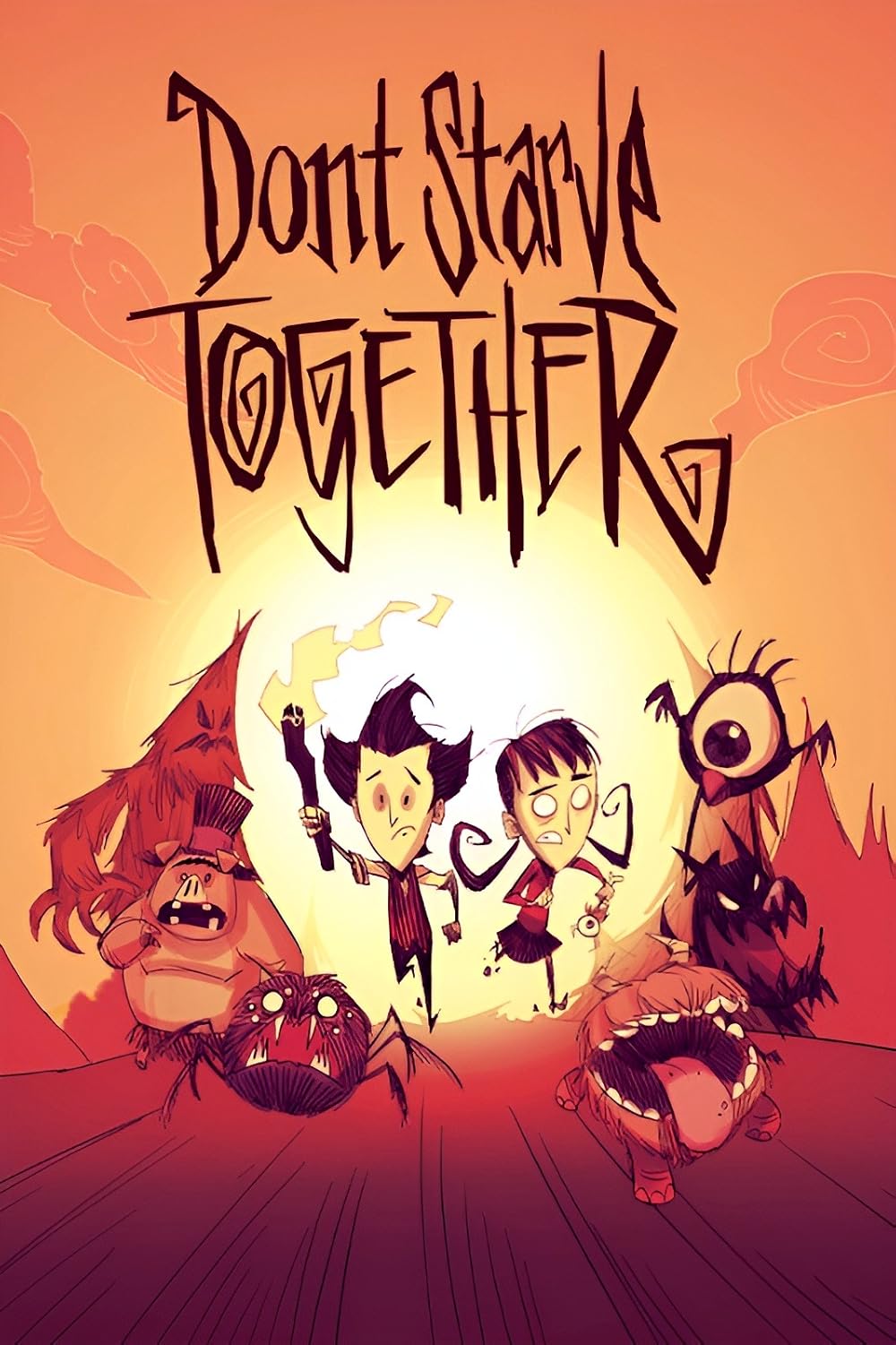
DON'T STARVE
TOGETHER
Survive the Constant without the lag. Experience perfect combat kiting, seamless Overworld and Caves integration, and one-click Steam Workshop mods on our high-performance dedicated servers.
Use code NormandinSystems-a-1588 for 20% off!
Why host DST with us?
-
Lag-Free Combat KitingHigh-tickrate servers ensure you never take an unfair hit from a Hound or Deerclops.
-
Overworld & Caves SupportEasily link multiple instances to run Caves without melting your local PC.
-
Steam Workshop ModsInstall client and server mods effortlessly through our automated control panel.
Master The Constant
Don't let host migrations or local desync ruin your winter survival. We provide the enterprise hardware required to handle massive bases, complex farms, and relentless boss fights.
NormandinSystems-a-1588 at checkout!Instant Token Setup
Simply generate your Klei Dedicated Server Token, paste it into our panel, and your world is live. No waiting around—your server is provisioned instantly upon payment.
Global Datacenters
Choose from multiple locations across North America, Europe, and Asia. Ensure your entire group gets the lowest ping possible so nobody fails a crucial kite against a boss.
World Generation Control
Want an Endless world? Endless summer? More beefalo? Easily tweak your world generation files, season lengths, and difficulty settings directly from the web panel.
Why Dedicated Hosting is Crucial
Don't Starve Together is a game of meticulous resource management, base building, and unforgiving combat. When you host a game locally on your PC, your friends can only play when you are online. If your internet stutters, they lag. If you crash, the server dies.
Furthermore, running both the Overworld and the Caves simultaneously is notoriously resource-heavy. A dedicated server offloads this massive CPU and RAM requirement to enterprise hardware. Your base persists 24/7, your friends can log in anytime to tend the crops, and your combat ping remains perfectly stable for dodging Bearger's slams.
Persistent Worlds
Let your friends hop on while you're at work to gather wood, feed the beefalo, and prepare the base for the impending winter.
Seamless Caves Integration
DST handles Caves by running a second background server. Our hosting makes linking an Overworld and a Cave server simple and lag-free.
Mod Support
From Global Positions to Show Me (Item Info), easily add Steam Workshop IDs to your configuration to customize your group's experience.

Server Specifications
Absolute Control Over The Constant
Managing a DST server shouldn't feel like surviving winter with no thermal stone. Our partner's custom control panel gives you unprecedented access to your world. Adjust server settings on the fly, manage player permissions, and schedule automated backups to ensure your mega-base is never lost to a griefing Willow.
Live Console
Monitor server health, view real-time chat, and execute Lua admin commands instantly from your browser.
Automated Backups
Rollback your server if a boss destroys your base or someone accidentally sets the berry farm on fire.
Easy Config Edits
Tweak cluster.ini and server.ini files easily to adjust game modes (Endless, Survival, Wilderness).
Player Management
Ban trolls, whitelist your trusted friends, and assign admin roles with just a few clicks.
Ready to start your world?
Click below to be redirected to our exclusive ZAP-Hosting deployment page. Don't forget your voucher!
DST Admin Resources
Master your server. Everything you need to configure your world, manage tokens, and survive the harsh environment.

Generating a Klei Server Token
Learn exactly how to log into your Klei account, generate a dedicated server token, and authenticate your new hosting server.

Adding Steam Workshop Mods
A step-by-step guide to finding Mod IDs on the Steam Workshop and adding them to your server's modoverrides.lua file.

Linking Overworld and Caves
Want the full DST experience? Learn how to properly configure your cluster to seamlessly link your Overworld server to your Caves server.
DST Hosting FAQ
Got questions about running your own Constant? We've got answers.
Can I run both the Overworld and Caves?
Yes! Don't Starve Together requires two separate server instances to run both smoothly. Our hosting platform allows you to easily configure a multi-server setup (Cluster) to link them seamlessly.
How do I install Steam Workshop mods?
It's incredibly easy. You just need to paste the Mod IDs from the Steam Workshop into the server configuration file. The server will automatically download and update them when it starts up.
Do I need a Klei Server Token?
Yes, Klei Entertainment requires all dedicated servers to be authenticated. You can generate a free token by logging into your Klei account online and pasting it into your server's control panel.
Can Xbox or PlayStation players join?
Currently, Don't Starve Together does not support full cross-platform play between PC and consoles. These servers are designed for PC (Steam/Epic) players.
How do I claim the 20% discount?
Click any of the links on this page to go to the deployment portal. Enter the promo code NormandinSystems-a-1588 at checkout to apply the discount to your first billing cycle!
Can I password protect my server?
Absolutely. If you only want to play with your specific friend group, you can easily set a server password in the cluster.ini settings to keep random players from burning down your base.